Download the latest FRP bypass tools, APK files and utilities for Android devices. Fast, secure and easy to use.
Quick Access
Open useful apps and settings on your Android device.


APK & Tool Files:
Latest APK files and tools for FRP bypass and Android management.
Have you ever reset your Android device back to its original settings and realized you’ve forgotten your screen lock and Google account credentials?
After performing a factory reset, you usually need to enter your screen lock (such as a pattern, PIN, or password) or your Google account credentials, such as your Gmail address and password.
But what if you’ve forgotten both? This is where FRP bypass apps and tools can help you unlock your Android device.
What is FRP?
Factory Reset Protection is an Android device security feature introduced by Google for Android 5.1 Lollipop and onwards. It provides extra protection for Android devices, especially for those unfortunate instances where you misplace or lose your device and someone else resets it.
FRP prevents unauthorized access to your device after a factory reset. You need to log in using your Google account to activate your device.
FRP Bypass APKs & Tools
FRP Bypass apps and tools are specially developed for Android users who have forgotten their Google account. These tools are especially helpful when you can’t recover your account, a very common issue for people who who have forgotten their Google account credentials, unable to recover their accounts. This issue is common among users who don’t pay attention when setting up their devices.
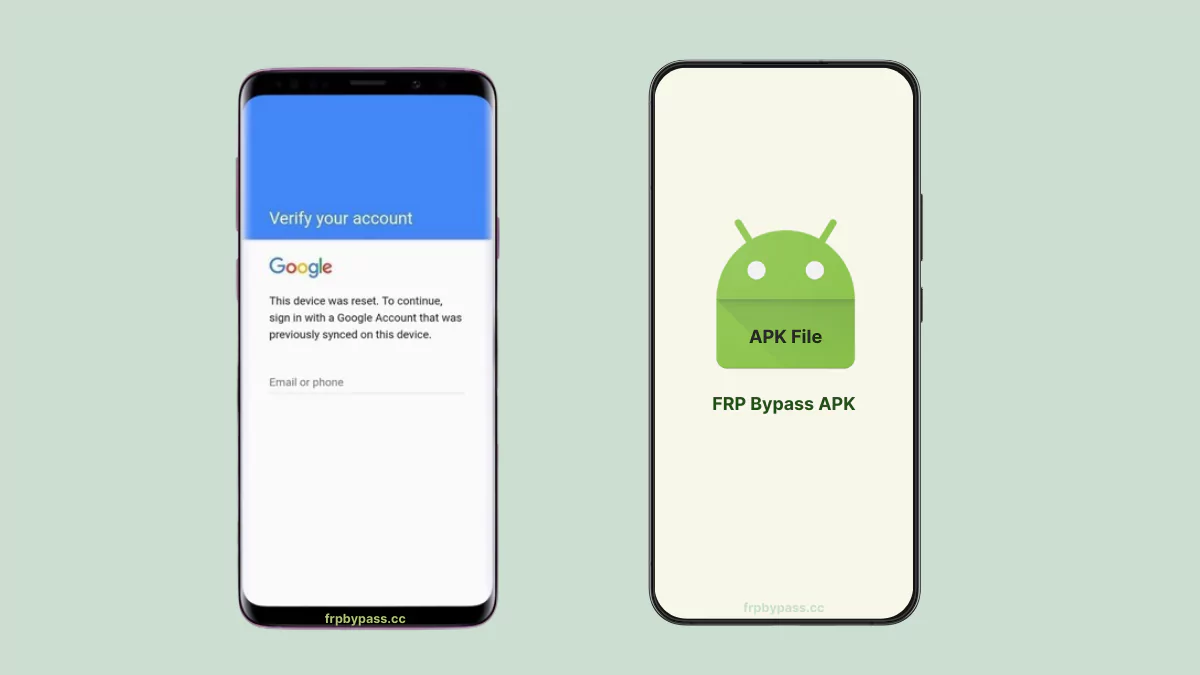
Key Features:
- Easy FRP Removal:
Quickly bypass the FRP lock when you’ve forgotten your screen lock and Google account. - Completely Free:
No cost just free tools and apps. - Access Apps & Settings:
One-tap access to pre-installed Android apps and android system settings. - Simple & Clean Interface:
Super easy to use, even if you’re new to this. - No Computer Needed:
Works on your phone, no PC required. - Works on Most Devices:
Compatible with most Android phones and tablets.
Installation Guide:
You can install the FRP APK files just like any normal APK, it’s a straightforward process.
Important: Use these apps only on devices you own or have explicit permission to unlock.
Before you start:
- Connect the locked device to a stable Wi-Fi network.
- Access the browser using workarounds (TalkBack, FRP Tools, or system vulnerabilities).
- You usually need to install Android_X_GAM.apk and FRP_Bypass2.0.apk (or Technocare APK etc.).
Step 1: Get the APK
- Click the Download button on this page to get the FRP Bypass 2.0 APK.
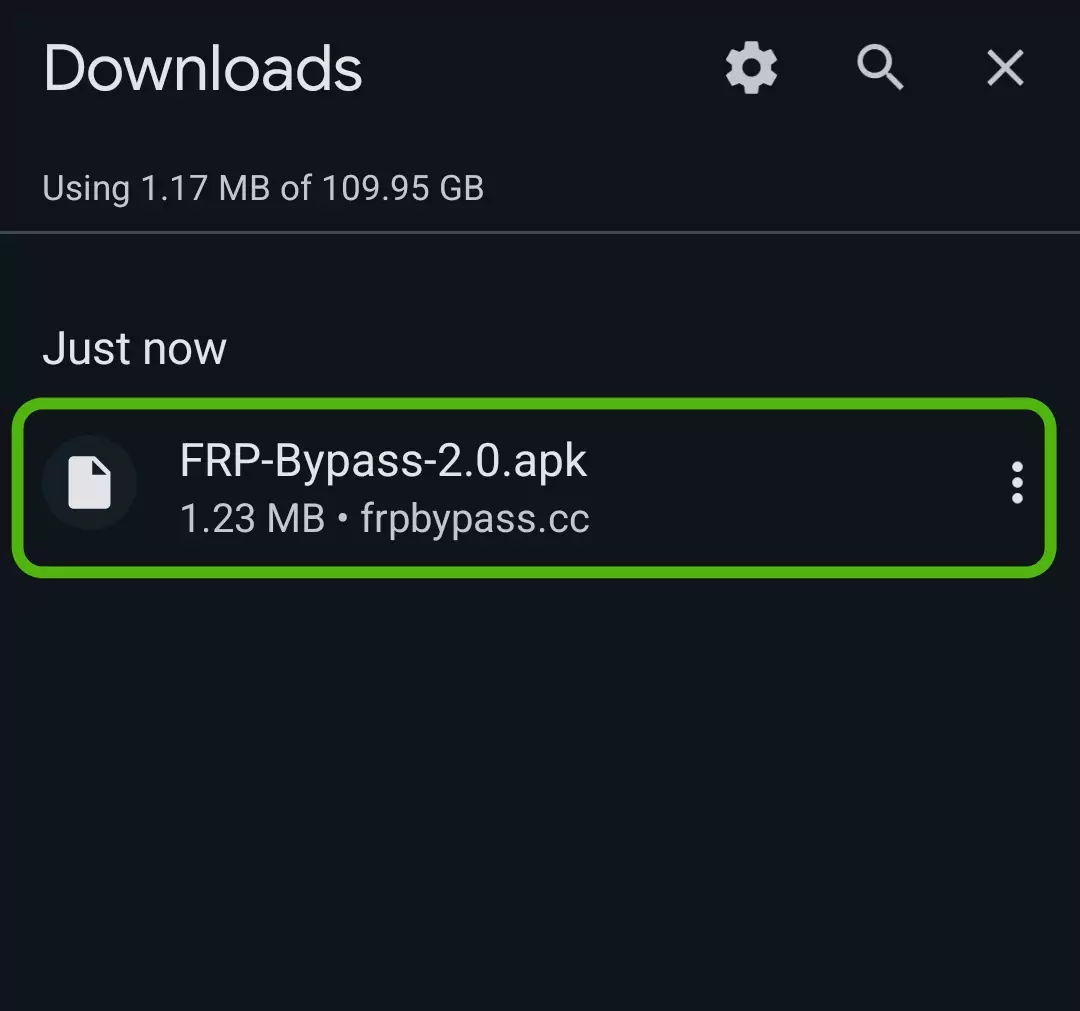
Step 2: Install the APK File
- Find the downloaded file in your Downloads folder.
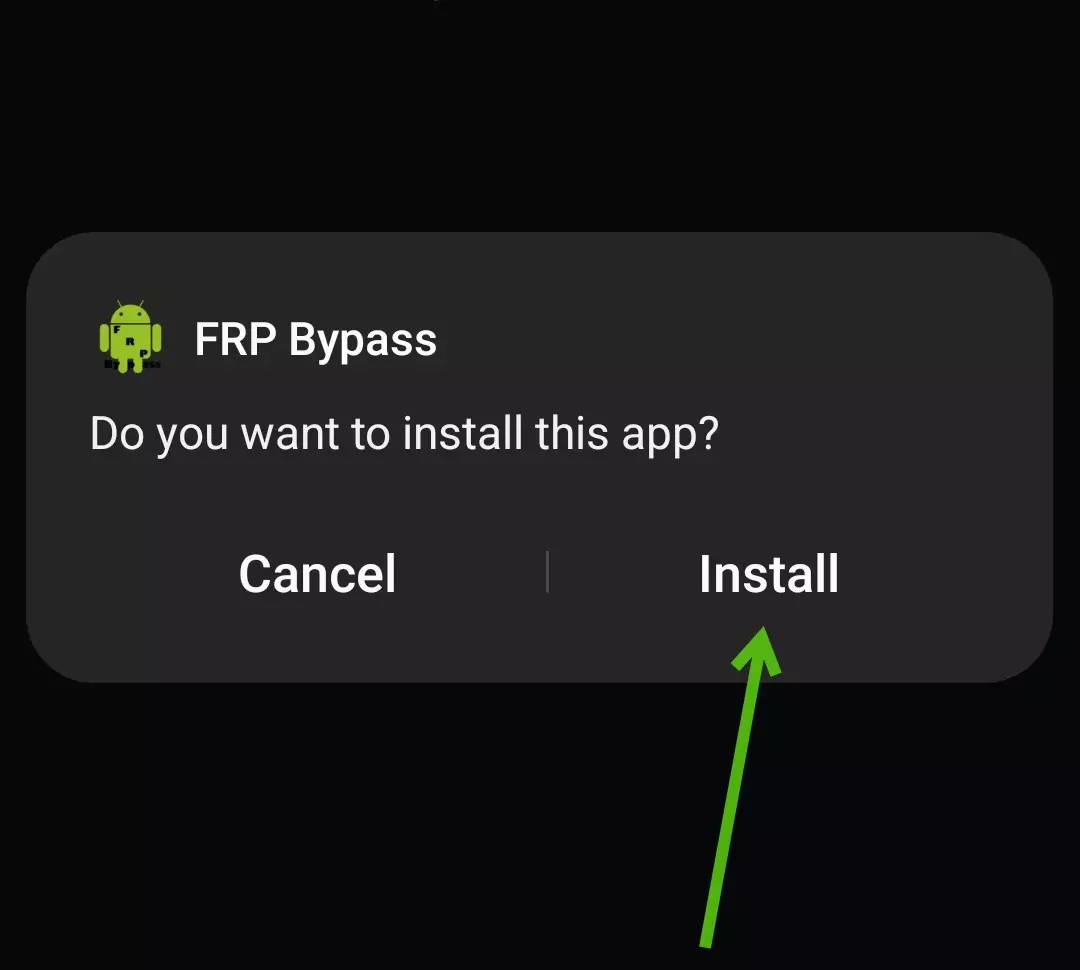
- Tap on it and select “Install.”.
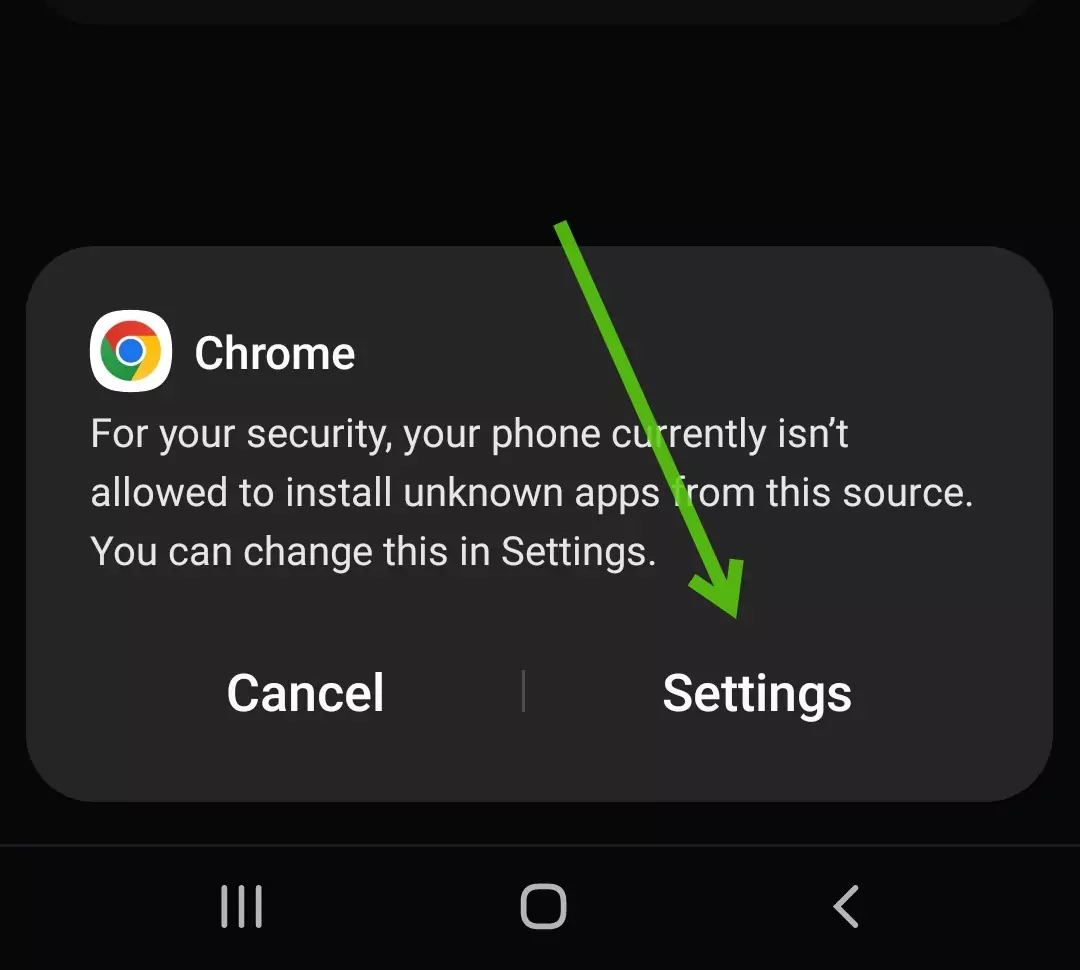
Step 3: Allow Installation from Unknown Sources
- To install apps from third-party sources, allow installations from unknown sources.
- Navigate to your device settings and enable the “Install from Unknown Sources” option.
Step 4: Launch the App
- Open the FRP Bypass app from your app drawer.
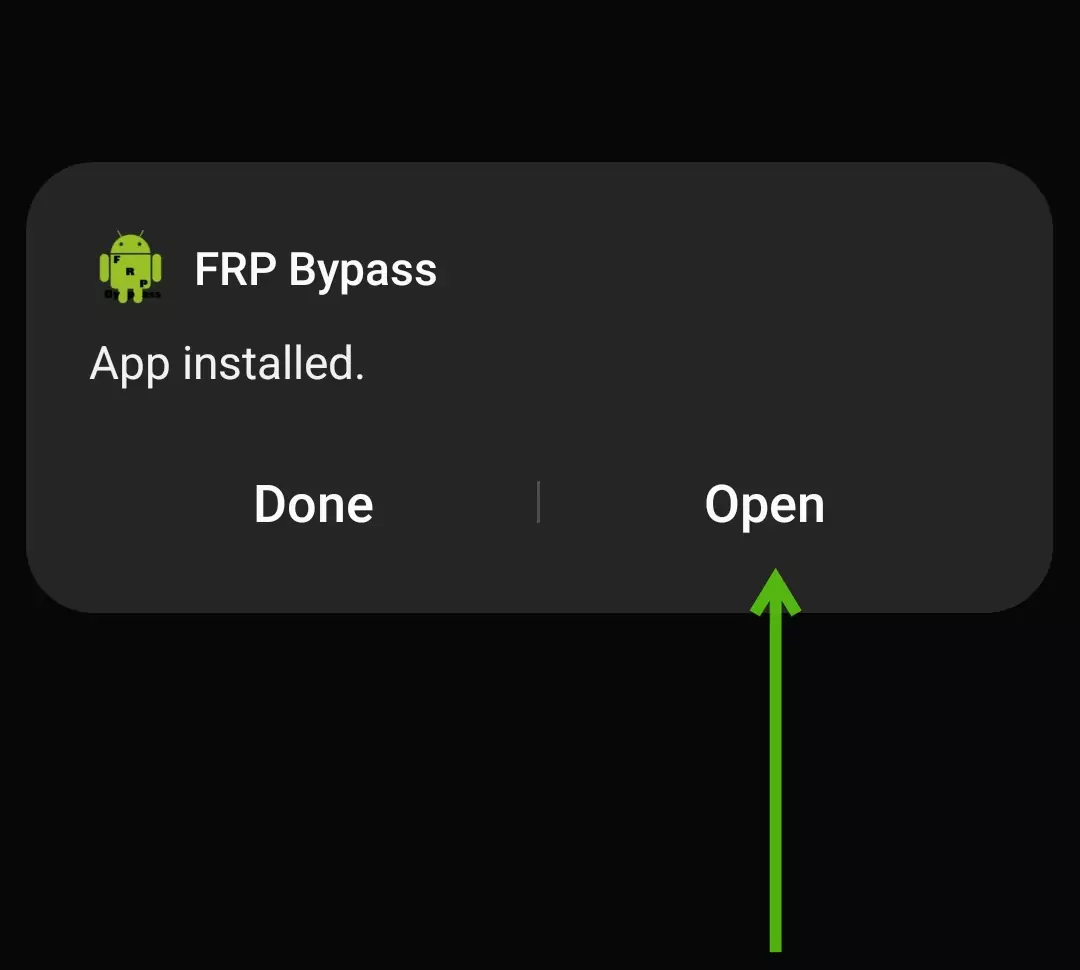
Step 5: Bypass the FRP Lock
- Open the FRP Bypass 2.0 app. Tap the three dots (⋮) in the top right. Select Browser Sign-In. Enter your new Google account email and password.
Step 6: Restart Your Device
- After the reboot, your device will no longer ask for the old Google account.
- Do a quick factory reset once, then set it up fresh. (You’re all set! Your phone is now fully unlocked.)
Frequently Asked Questions:
If you forget your details, first try recovering your account using Google’s Account Recovery page. If unsuccessful, use an FRP Bypass tool as a last option.
No, a factory reset or hard reset does not remove the FRP lock. To remove it, you will need to use a FRP bypass app or tool.
Using reliable tools is usually safe. But if you’re not an expert, always be extra careful, some tools can cause bootloops.