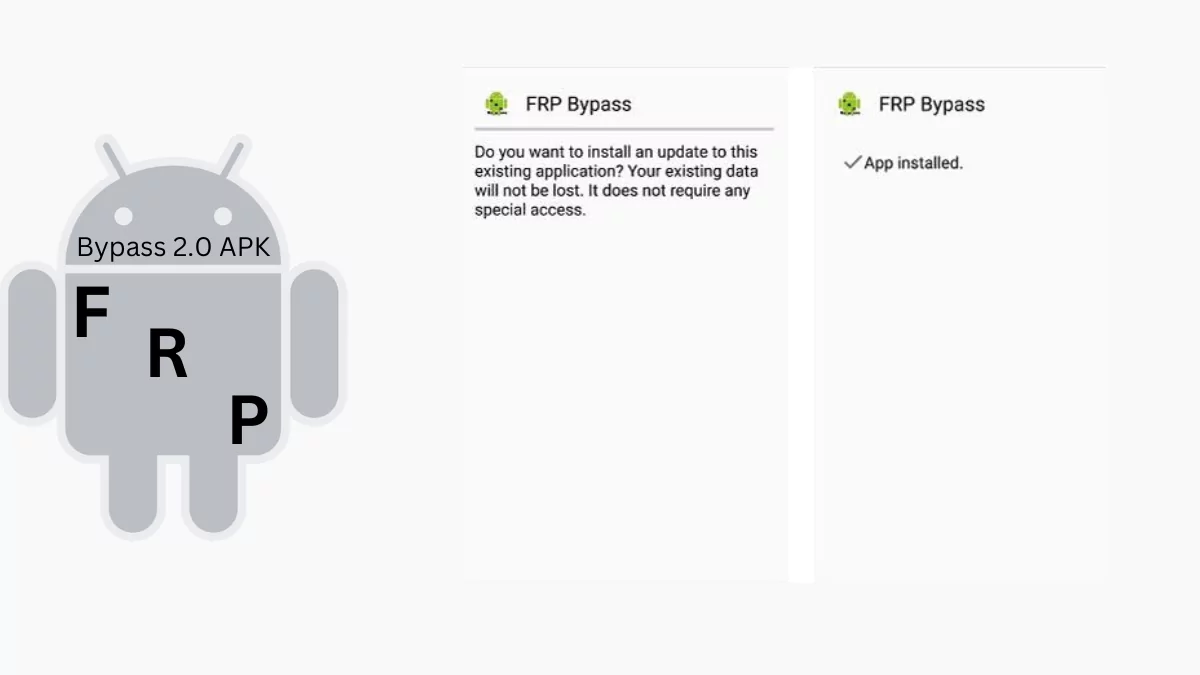
FRP Bypass 2.0 APK is a powerful tool developed for Android users who are locked out of their devices due to forgotten Google account credentials.
With a high success rate, a user-friendly interface, and compatibility across various Android versions, this APK file simplifies the process of bypassing Factory Reset Protection.
Click Here to Start Download| Author | FRP Bypass |
| Latest Version | 2.0 |
| Update | Feb 2, 2024 |
| Size | (1.17 MB) |
| License | Freeware |
| Requirements | Android 5.1 and up to 8 |
Features:
- Works smoothly with different Android versions, whether it’s a phone or tablet.
- The app is easy to use, you can just follow the on-screen instructions.
- It’s safe and trustworthy, no malware or security risks.
- It’s great at bypassing Google Account Verification and helping you get back into your device, though it might not work on the new Android devices.
- Completely free to use, no subscriptions or hidden fees.
How to Install FRP Bypass 2.0 APK and Bypass FRP Lock
Before installing FRP Bypass 2.0, make sure to install the Google Account Manager APK corresponding to your device’s Android version.
Check your device’s Android version via recovery mode, and then proceed further after knowing which version your device has because on newer versions, Android 9 and above, it might not work.
If your device is running on version 8.1, download and install the same version of Google Account Manager APK. For other Android versions, please download the specific version according to your device android version.
Step-by-Step Installation Guide:
First access to the web brower on your device and to install this App on your Android device, follow these below step-by-step instructions:
Step 1: Download & Locate the APK
- Click the Download button to get the FRP Bypass 2.0 APK.
- Once downloaded, locate the file in your Downloads folder.
Step 2: Enable “Unknown Sources”
- Open Settings → Security → Enable Unknown Sources to allow installations from third-party sources.
Step 3: Install the APK
- Tap on the APK file and select Install.
Step 4: Bypass FRP Lock
- Open the FRP Bypass 2.0 app.
- Tap the three dots in the corner and select Browser Sign-In.
- Enter your new Google account credentials and restart your device.
Step 5: Activate Your Device
- After rebooting, your device will no longer ask for the previous Google account. You can now activate your device and have full access!
Note: After removing the FRP lock, perform a factory reset on your device once. Then activate your device and use it normally without any issues.
